Canva has become one of the most used tools by those who wish to create their own wedding graphics.
Thanks to your ready-made models all'uso e alla semplicità di utilizzo, permette di realizzare partecipazioni eleganti anche senza particolari competenze di grafica.
But what happens when it's time to print?
You've created your wedding invitations on Canva and now you want them printed on professional quality paper? You're in the right place.
Many couples discover that creating beautiful graphics is only part of the job. Choosing the right paper, correctly preparing files, cutting, envelopes, and all those details that make an invitation special require experience, specific materials, and professional equipment.
In this guide, we'll explain how to create your wedding invitations with Canva and how to turn them into a polished, finished product.
1. Choose a Canva template for the invitations
The simplest solution is to start from one of the many Templates already available in the Canva library.
You can explore hundreds of customisable suggestions or start completely from scratch by creating a bespoke project for your wedding.
When choosing a model, we recommend you pay attention to:
- dimensions of the format
- readability of texts
- space available for information
- coherence with the wedding style
- possibility of adding any coordinated elements
At this stage, don't worry too much about the technical aspects of printing: the aim is to create a design that truly represents you and your special day.
2. Personalise colours, fonts and content
Once you've chosen the model, you can completely customise it, thinking about the aesthetic as well as the functional side:
Design tips
For an elegant result, we recommend limiting the Number of characters used at 2 and maintain a coherent colour palette.
Remember that the fewer elements there are, the more refined the final result will appear.
Canva allows you to edit:
- Colours
- font
- photograph
- illustrations
- icon
- Layout
What should it contain?
Essential information
Every entry should contain:
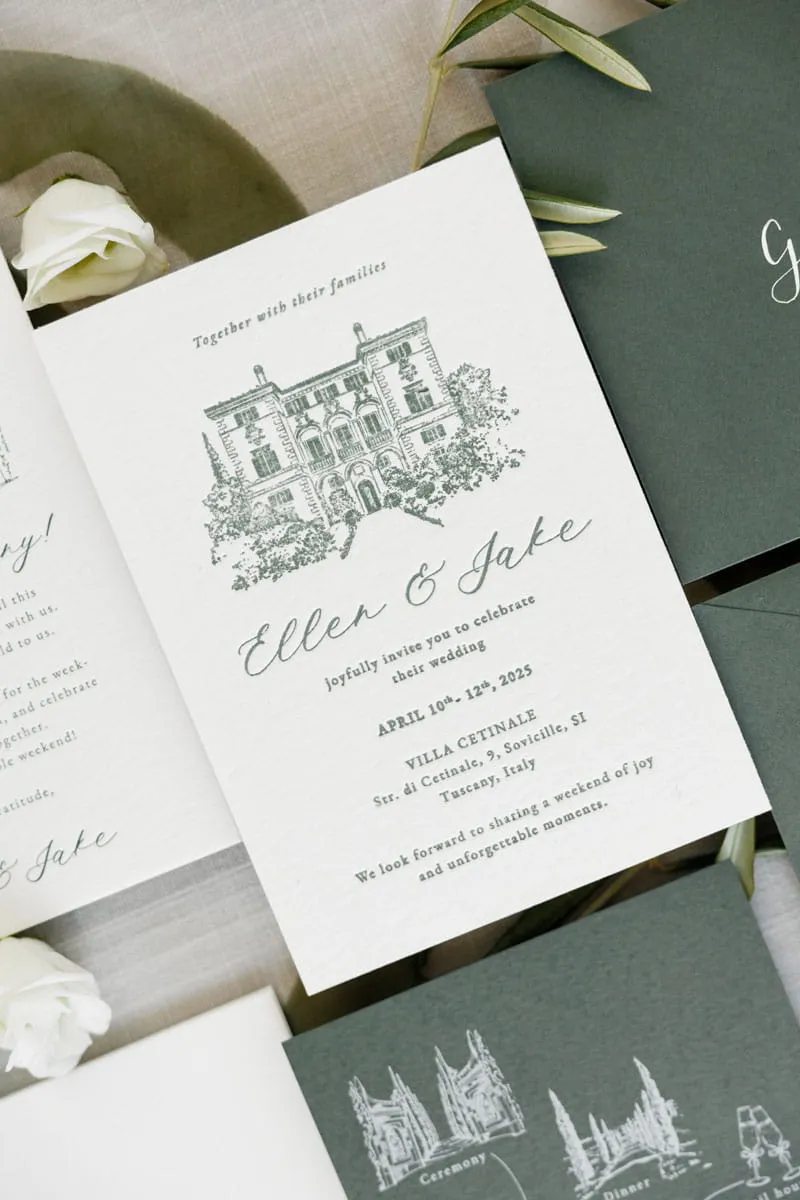
- Names of the bride and groom
- wedding date
- Venue
- schedule
- any useful details for guests
- Wedding website or QR code
(We can take care of it)
3. The most common mistakes to avoid
Before sending the project to print, please carefully check a few aspects.
The errors we see most often are:
- Text too small What appears legible on the screen may not be once printed.
- Different colours from reality: The colours displayed on the monitor don't always correspond to those obtained on paper.
- Low-resolution images or those lacking the correct licences: Photographs and graphics found online can appear blurry during printing or be subject to copyright. Always ensure you use high-resolution images with appropriate licences.
- Insufficient margins Text and decorations too close to the edges risk being cut off during production; there are always bleed and safety margins to observe.
- Spelling mistakes Always check dates, addresses, names and wedding details before final printing.
4. Can I print the invitations created on Canva?
Absolutely.
Once you've finished the graphics on Canva, you can export the project and turn it into a professional wedding invitation.
Many online print shops print directly from files exported from Canva, but to achieve a truly polished result, it's often necessary to check margins, bleeds, image resolution, and print settings.
For this reason, many couples choose to create the graphics themselves on Canva and leave all the technical, production, and artisanal aspects to us.
5. From the Canva Project to Professionally Printed Wedding Stationery
And this is where we come in. Once the graphics are complete, simply share the Canva project with our team.
There is no need to prepare the file for printing or to know specific technical settings.We'll take care of verifying that everything is correct before production.
Before going to print, we check every detail:
- Technical file check
- image quality control
- Correct setting of margins and bleeds
- Professional print preparation
- Choosing the most suitable paper
- professional cut
- Assembly and packaging
Essentially, you provide the creativity and we transform your design into a wedding invitation ready to be delivered to your guests.
6. Professional customisations and finishes
One of the great advantages of professional printing is the ability to add details that normally cannot be achieved at home.
For example:
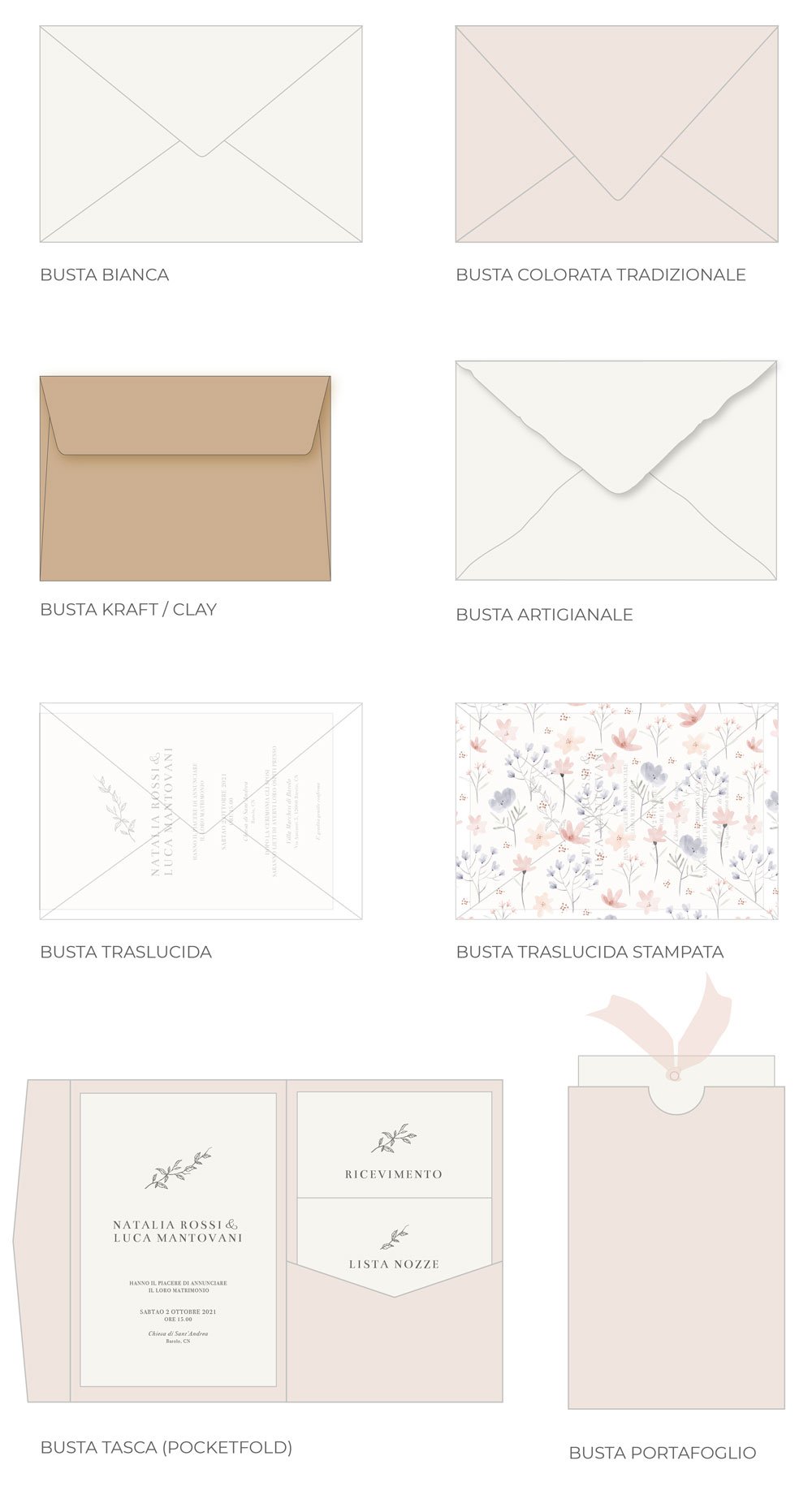
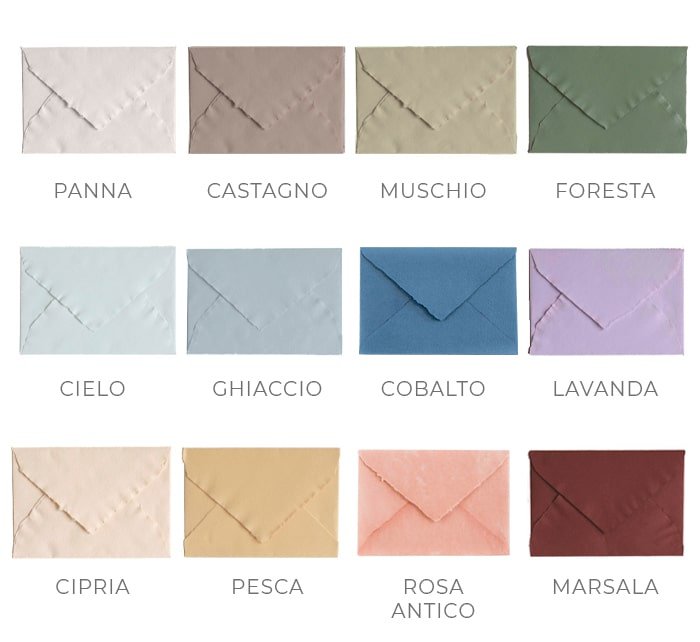
- Colourful or artisanal busts
- envelope liner
- wax seals
- Calligraphy on envelopes and beyond
- Fine and textured cards
- shaped cuts
- Rounded corners
- Ribbons and cords
- White print on coloured paper
- Assembly
It's precisely these details that make the difference between a simple printed file and an invitation that surprises guests at first glance.
Creating your own invitations with Canva can be a beautiful way to make your wedding planning even more personal.
With the support of print and wedding stationery professionals, that project can become something tangible: an invitation that tells your story, with carefully considered materials, details, and finishes.
The value of an invitation lies not only in its design, but also in the experience of holding it in your hands.